
Content Contributors
Overview
Introducing our latest Webflow blueprint designed to enhance the reading experience on your website. Empower your readers with valuable insights into their time investment with each piece of content. With our meticulously crafted template, seamlessly integrate "Read Time" functionality into your CMS collection resources.
Step-by-Step Guide
Required
Step 1: Copy the <script> to your <body>
<script src="https://cdn.jsdelivr.net/gh/BuildWithAdmiralSystems/devcode/webflow/read-time.js"></script>
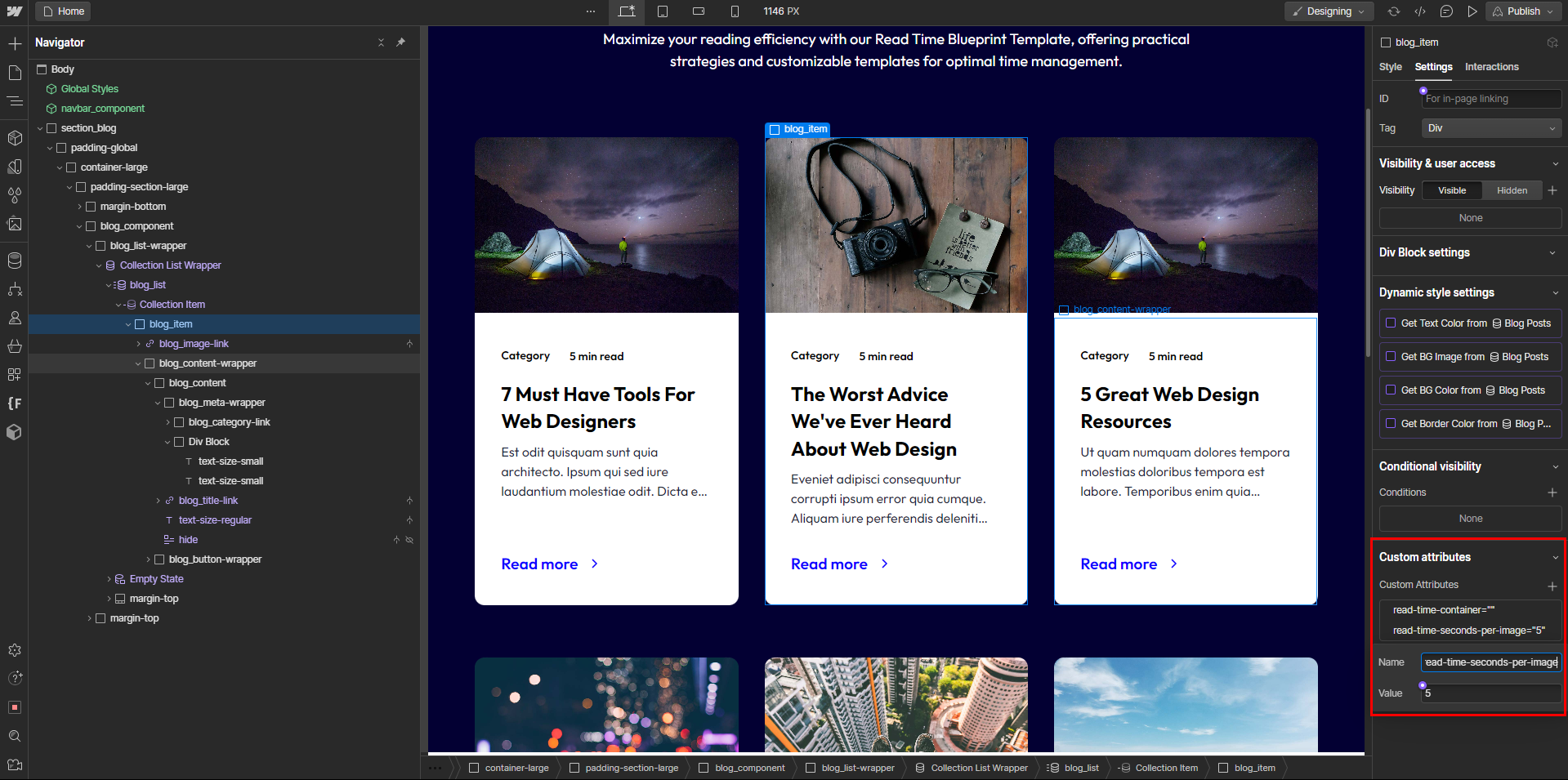
Step 2: Add custom attribute to your element wrapper
read-time-container
Step 3: Add custom attribute to your text element
read-time-duration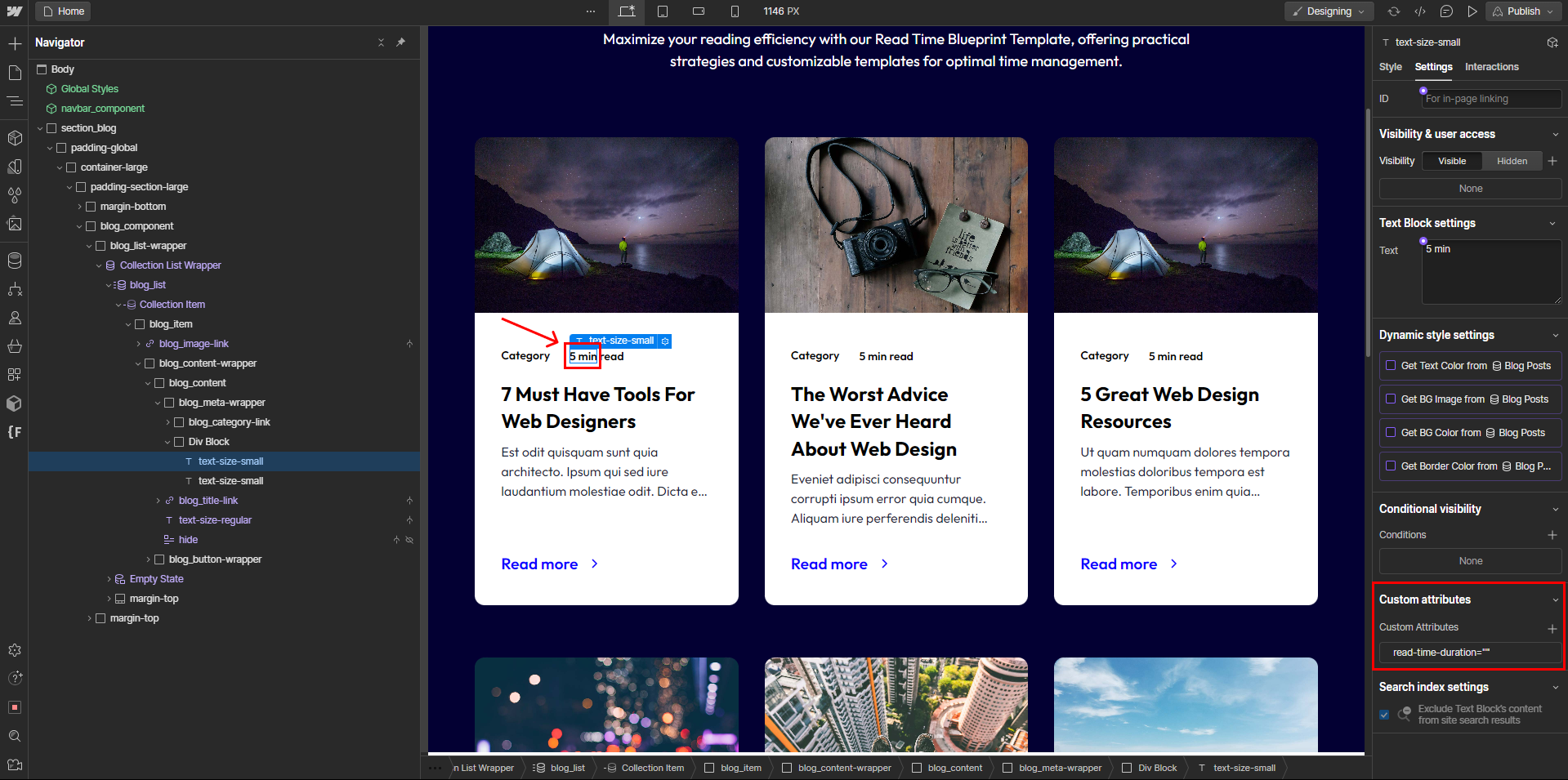
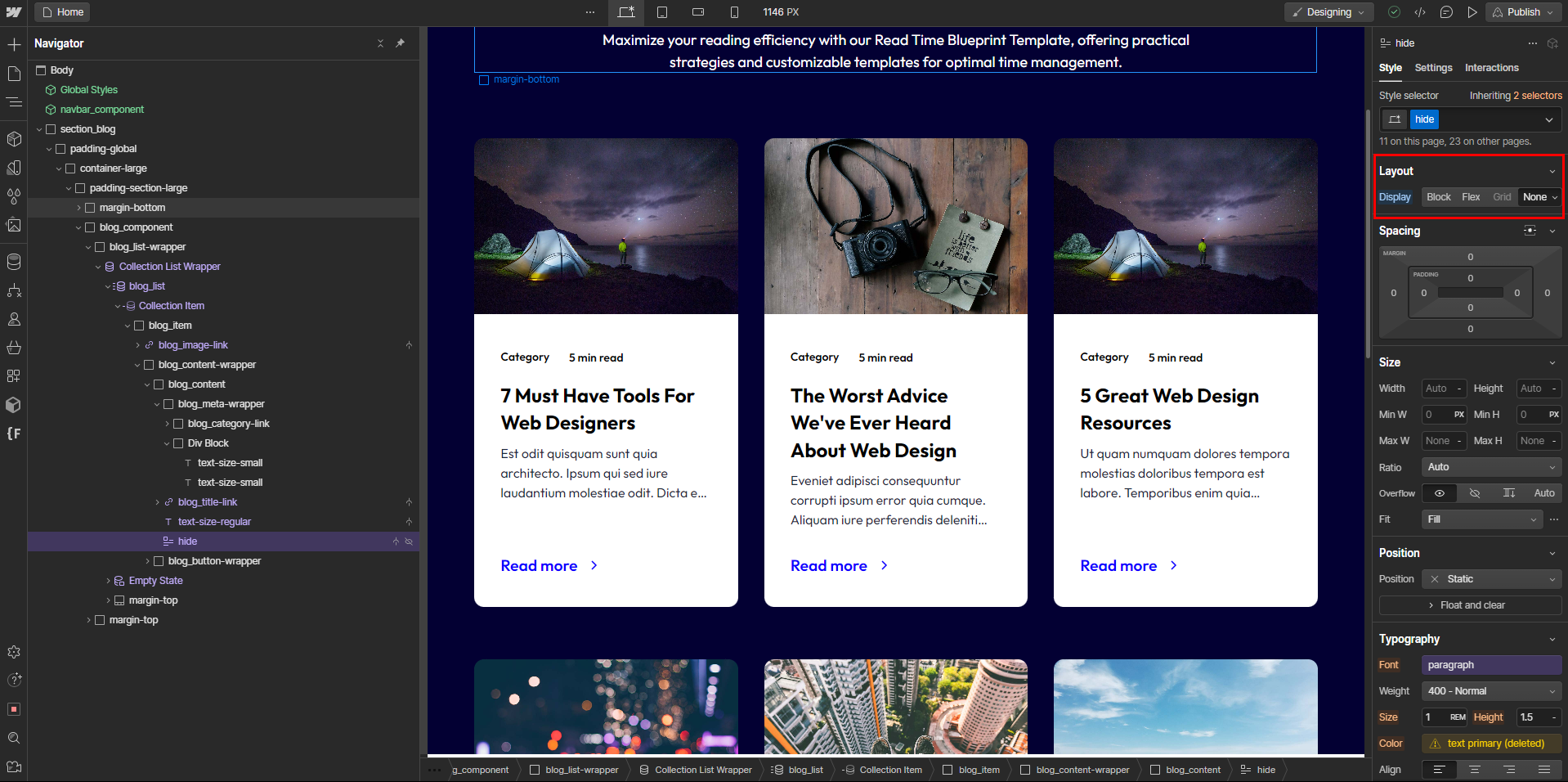
Step 4: Add rich-text inside your wrapper and hide it
Step 5: Add custom attribute to your rich-text element
read-time-content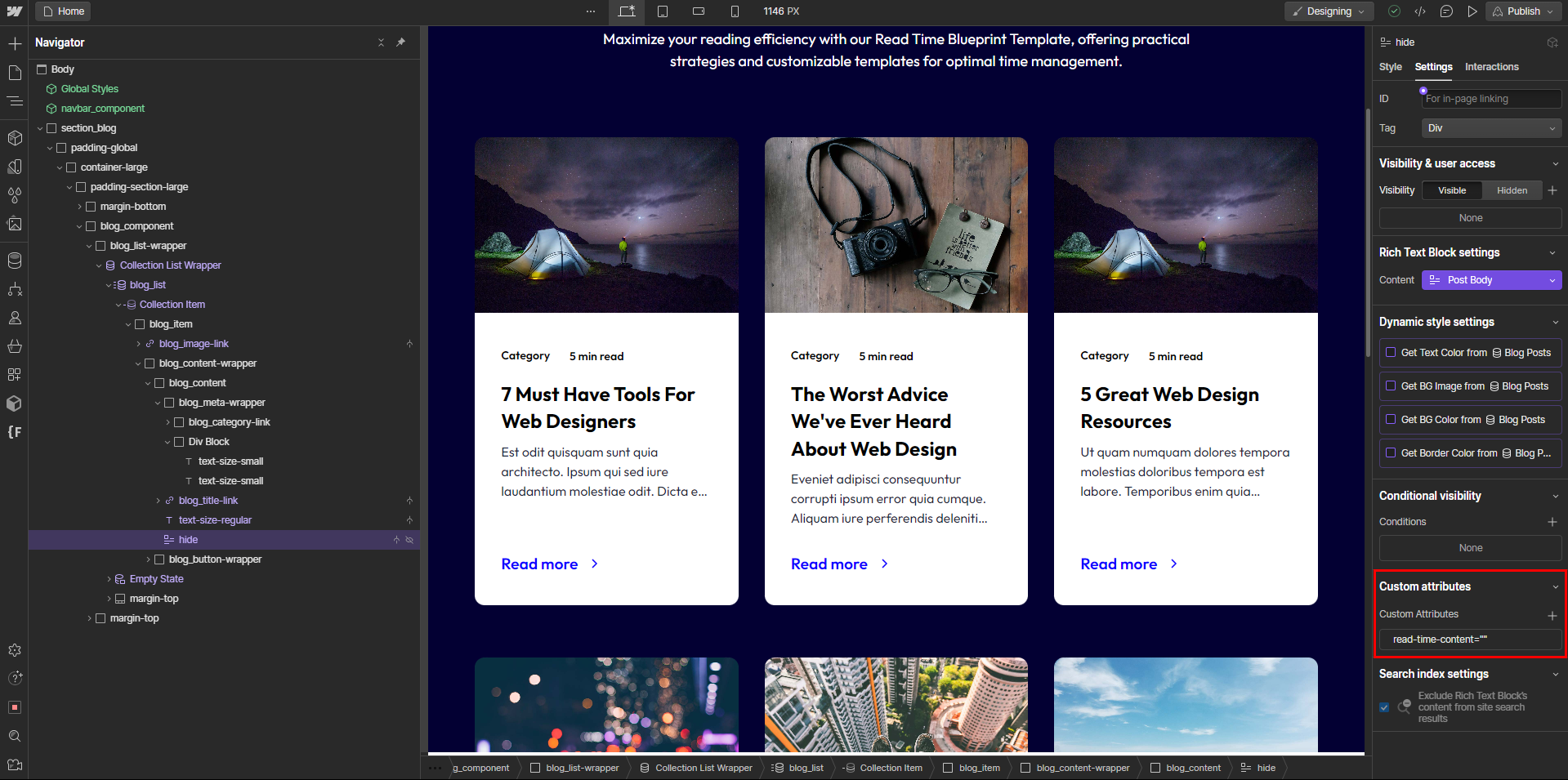
Optional
Adjusting Words Per Minute
Add this custom attribute to the container. (default: 200)
read-time-words-per-minute
Adjusting Seconds Per Image
Add this custom attribute to the container. (default: 5)
read-time-seconds-per-image